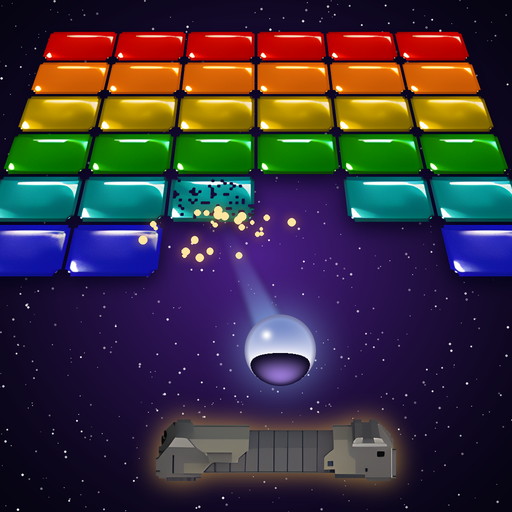
 3D Crackanoid Ultra
Support
Questions, problems or ideas? Write to support@crackanoid.com – please mention your device and iOS version.
How do I play?
Destroy all bricks with the ball and keep it in play with your pad. Move the pad with the joystick on the screen, release the ball and fire with Fire, open the menu with Menu. Shake the device to bounce the table. Help in the main menu describes all bonuses.
How do I get back to the menu during a game?
Press Menu, or tap with two fingers. With a keyboard, press Esc.
Can I start from a later level?
Yes: after New Game, choose your player and pick any level you have already reached.
Free levels and the full game
Levels 1 to 5 are free. After them, or when you choose a later level, the game offers to unlock all 40 levels with a single purchase. It is yours for good, on all your devices with the same Apple Account (and with Family Sharing). After reinstalling, or on a new device, the game usually knows it at once; if not, choose Restore Purchase in the same offer.
Game Center
Sign in to Game Center in Settings to post your scores to the leaderboard and earn achievements. Without it the game plays the same; the hall of fame on your device keeps the best scores.
Language
The game follows your device's language. To choose another one just for the game, open Settings → 3D Crackanoid Ultra → Language.
Keyboard
With a hardware keyboard, arrows move the pad, Ctrl fires, Space releases the ball, and you can redefine the keys in the main menu.